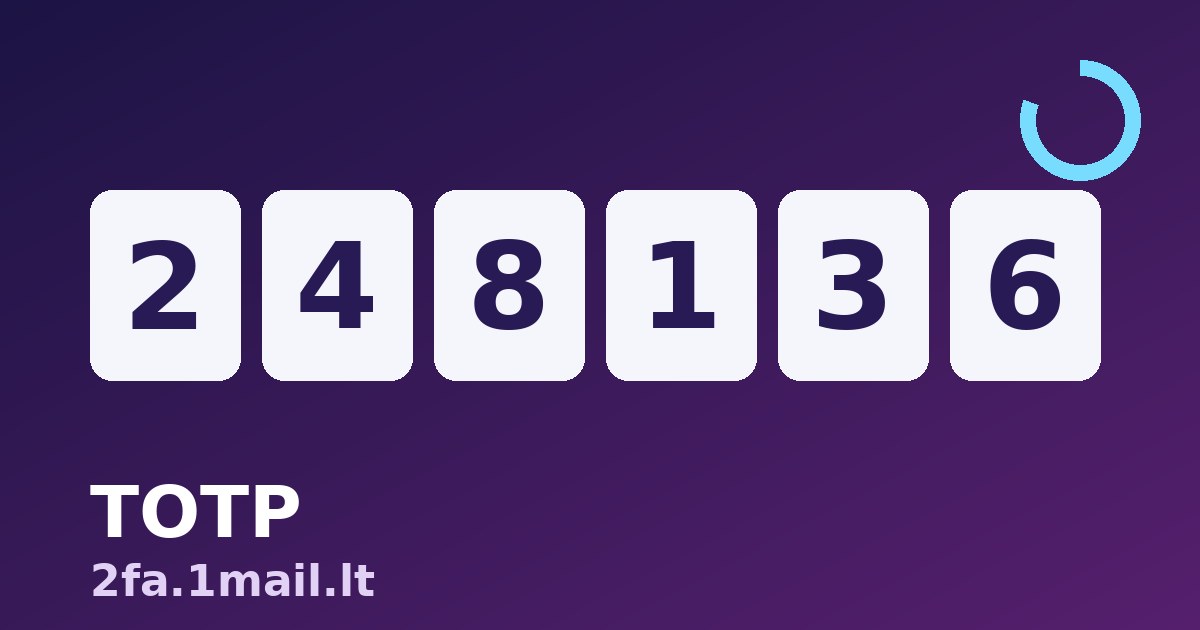
You log in somewhere new and the site asks for "the 6-digit code from your authenticator app". That code is a TOTP — a time-based one-time password — and it is the single cheapest upgrade you can make to your account security. This guide explains what the code actually is, why it changes every 30 seconds, and how to set it up without locking yourself out.
You do not even need to install an app to use one: 2fa.1mail.lt is a free TOTP authenticator that runs in your browser — paste the setup key a website gives you and it generates the same six-digit codes an app would, entirely on your device, with nothing sent to any server.
What TOTP means, in plain words
When you enable two-factor authentication on a site, it hands your authenticator a secret key — a short string, usually shown as a QR code. From then on, the authenticator combines that secret with the current time and runs the result through a one-way function. The output is the six-digit code, and because the time changes, the code changes — by default every 30 seconds.
The important part: the site and your authenticator both know the secret, so both can compute the same code independently. Nothing needs to be transmitted, which is why TOTP works in airplane mode. It is an open standard (RFC 6238), which is why codes from Google Authenticator, Authy, 1Password and the 1mail web authenticator are interchangeable — they are all doing the same math.
Why a 30-second code beats an SMS code
- SIM swap attacks cannot touch it. An attacker who hijacks your phone number gets your SMS codes — your TOTP secret never touches the phone network.
- It works offline — on a plane, abroad without roaming, anywhere.
- A stolen code expires in seconds, so a phished code is almost worthless minutes later.
- It is free for the website too, which is why more and more services offer TOTP and quietly discourage SMS.
Setting up TOTP on any account
- In the account's security settings, look for "two-factor authentication" or "authenticator app" and start the setup.
- The site shows a QR code. Look for the "can't scan?" link too — it reveals the secret key as text.
- Open the web authenticator (or any authenticator app) and add the secret. The six-digit code appears immediately with a countdown ring.
- Type the current code back into the site to confirm the pairing.
- Save the backup codes the site offers, and store a copy of the secret key somewhere safe. This step is the one people skip and regret.
The secret key is the part you must not lose
Your codes are only as recoverable as the secret behind them. If you keep a copy of the secret key (or the original QR code) in a password manager or printed in a drawer, you can rebuild your codes on any device in seconds. If you lose the secret and the device that held it, your way back in is the backup codes — and if you skipped those, a support ticket and an ID check. Two minutes of saving now saves two weeks of account recovery later.
"My code doesn't work" — it's almost always the clock
TOTP depends on the time being right. If your device's clock drifts even half a minute, your codes come out "wrong". The fix is to switch the device clock to automatic network time. The 1mail web authenticator uses your device's clock and shows how many seconds remain for the current code — if codes keep failing, check the clock before you panic.
Codes are half the story — the password still matters
TOTP protects you when a password leaks; it does not make a weak password strong. Pair your codes with a long, unique passphrase per account — the free passphrase generator at pass.1mail.lt creates ones you can actually remember. And since every account starts with an email address, it is worth knowing how to check if an email address is real before you trust what's behind it.
FAQ
Is a browser-based authenticator safe?
The 1mail authenticator computes codes entirely on your device using the browser's built-in cryptography; the secret is never uploaded anywhere. Use it on a device you trust. For your highest-value accounts — primary email, banking — a dedicated app or hardware key on a locked device is still the gold standard.
What is the difference between 2FA and TOTP?
2FA is the idea: prove who you are with a second factor beyond the password. TOTP is one specific, very good way to do it. SMS codes, push prompts and hardware keys are other ways.
Can one authenticator hold codes for many accounts?
Yes. Each account has its own secret, and an authenticator simply stores as many as you add. There is no limit and no interference between them.
What happens if my phone dies?
If you saved the secret key or backup codes, nothing dramatic: add the secret to a new device and carry on. This is exactly why step 5 of the setup matters more than any other.
Do TOTP codes expire?
Each code lives for 30 seconds, but the secret behind them lives until you or the website revoke it. Most sites accept the previous code for a few extra seconds to be forgiving about slow typing.
Ready to try it? Open the free online authenticator, add your first secret key, and give your most important account a lock that a leaked password can't open.


