How to Create a Strong Password and Stay Safe Online
Every week, millions of accounts are hacked because people use weak or reused passwords. If your password is your name, your date of birth, or the word "password" itself, you are one data breach away from losing access to your email, bank, or social media accounts.
What Makes a Password Strong?
A strong password has at least 12 characters, mixes uppercase and lowercase letters, includes numbers and special characters, and is completely random. Most importantly — it is unique. Never reuse the same password across different websites.
How to Create a Strong Password Instantly
Use the free Password Generator on NeatTools:
- Choose your desired length (12 to 20 characters is recommended)
- Select which character types to include — uppercase, lowercase, numbers, symbols
- Click Generate — a new random password appears instantly
- Copy it and save it in a password manager
Why You Should Use a Password Manager
Since strong passwords are random and hard to memorise, use a password manager like Bitwarden (free) or 1Password. You only need to remember one master password, and the manager handles the rest.
Protecting Your Email Account
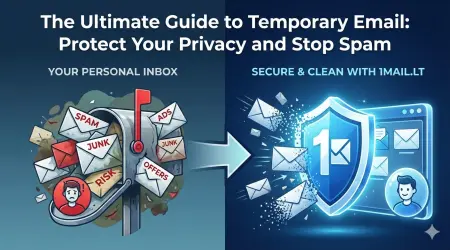
Your email account is the master key to everything else. A temporary email like 1mail.lt is great for sign-ups you do not fully trust. But for accounts you care about, use a unique strong password every time.
Generate a strong password now with the free Password Generator — five seconds, free, no sign-up.